How to Build a Smoke Shop SEO Keyword Map
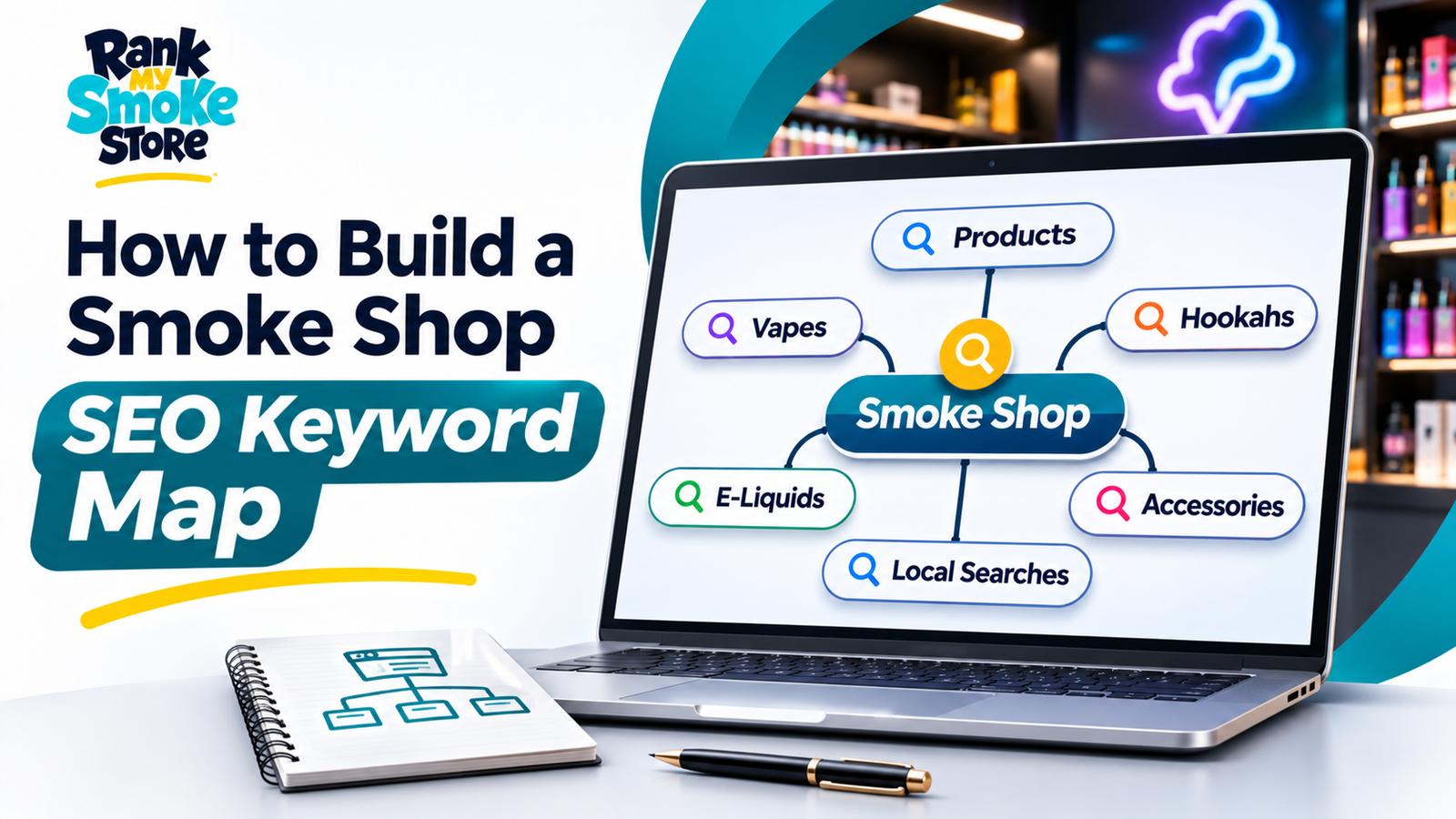
A keyword map connects search questions to useful pages. It tells your team what each page is for, who should read it and what action makes sense afterward. Without that map, a website can accumulate articles that repeat the same topic while leaving important customer needs unanswered.
For smoke shop SEO, the first decision is the audience. A retailer trying to reach nearby customers needs a different plan from an agency trying to reach store owners. Mixing those audiences produces vague pages and misleading traffic goals.
This guide gives you a manual process for building a practical map. The examples illustrate planning decisions; they are not claims of verified search volume or guaranteed ranking opportunity.
Step One Define the Business and Audience
Write a plain statement of what the website offers and whom it serves. Include the actual locations and business model where relevant.
A retailer might say that the website helps adults find information about an existing local store. A service provider might say that it helps store owners evaluate website and local SEO support.
Use that statement to reject irrelevant ideas. A phrase can mention vaping and still be unsuitable for the business. Relevance means the page serves the intended audience, not merely that it contains familiar industry words.
Step Two List the Decisions Visitors Need to Make
Think beyond products or services. Visitors may need to identify the correct branch, understand opening hours, compare providers or decide what to prepare for a project.
Write each decision as a question. Examples include “Which location should I visit?” and “What should an SEO audit include?” These questions often produce clearer content briefs than a raw list of keywords.
Group questions by their role in the journey. Someone trying to call a store should not have to read a long educational article first. Someone evaluating an agency may need considerably more explanation before booking a discussion.
Step Three Collect Evidence From Existing Sources
Review customer inquiries, staff feedback and existing website data. Ask the people who answer calls which questions they hear repeatedly.
If Search Console is available, examine the visible queries and landing pages. Google's performance-report documentation explains the information available. Treat it as one evidence source rather than a complete picture of every search.
Keep a column identifying where each topic came from. A customer question, a search observation and a keyword-tool estimate are different kinds of evidence. Recording the source makes later decisions more defensible.
Step Four Separate Branded and Nonbranded Topics
Branded searches involve the business name or recognizable variations. Nonbranded searches describe a need without specifying the business.
Both matter. Branded pages help people already familiar with you find accurate information. Relevant nonbranded pages can introduce the business to people who have not chosen a provider or store yet.
Keep ambiguous terms in a review group until you understand them. A local branch name can overlap with a neighborhood or a common phrase.
Our branded-search guide explains how this distinction affects reporting.
Step Five Inspect Search Intent
Search a candidate phrase and review the kinds of pages returned. Look for patterns such as business listings, service pages, tutorials or comparisons.
Record your observation, the date and any location setting used. Search results vary, so avoid presenting one view as a universal ranking report.
The purpose is to understand what a reader probably wants. If results are mostly commercial service pages, a short definition article may not satisfy the dominant intent. If results are instructional, a sales page that avoids the actual question may be equally unsuitable.
Use competitor pages to understand the market, not as copy to rewrite sentence by sentence.
Step Six Build a Simple Planning Sheet
Use columns for topic, primary phrase, related terms, audience, intent, destination URL, content type, next action and evidence source.
Add an owner and status so the sheet can guide production. A map that no one maintains will become disconnected from the live site.
You can start with a modest number of rows. The goal is coverage of meaningful needs, not a large spreadsheet that looks comprehensive. Remove phrases that do not fit the business or cannot be addressed with useful information.
Record uncertainty directly. “Demand not measured” is more honest than inventing a volume estimate.
Step Seven Assign One Primary Purpose to Each Page
Decide which page should answer each main need. Related phrases can belong together when they refer to the same question.
For example, “what local SEO includes” and “local SEO deliverables for a store” may fit one explanatory article. A separate page about managing several locations has a different operating problem and can justify its own treatment.
Do not create multiple pages solely because the wording differs. Ask whether a visitor would gain something meaningfully different by reading both.
If you already have overlapping drafts, choose whether to combine them, narrow their scope or keep one unpublished until a distinct need is established.
Step Eight Choose a Useful URL
Use a descriptive slug that reflects the page's main subject. Keep it manageable and avoid inserting dates unless the content genuinely depends on a particular period.
A useful example for an agency is `/blog/smoke-shop-seo-audit`. It identifies the topic without trying to carry every related phrase.
Google's URL-structure guidance recommends simple, descriptive URLs. Once a useful page is established, avoid changing its address merely to chase minor keyword variations.
If a change is necessary, include it in the website's redirect and internal-link plan.
Step Nine Write the Title Around the Answer
The title should accurately identify the page and make its usefulness clear. Include the main topic naturally where it helps the reader understand the destination.
Avoid titles promising certainty that the article cannot deliver. “Guaranteed First Place on Google” is not an appropriate promise for an SEO guide.
Distinguish the browser SEO title from the visible article heading where needed, while keeping their meaning consistent. A concise title tag and a slightly more descriptive H1 can work together without saying different things.
Write the meta description as an accurate invitation to read, not a list of keywords separated by commas.
Step Ten Plan the Heading Structure
Use one clear main heading and organize body sections according to the reader's questions. Subsections should explain parts of the section above them.
For a how-to article, a sequence of steps may be natural. For a comparison, headings can follow decision criteria. For a short update, two or three sections may be enough.
Do not insert a heading simply because it provides another place to repeat the primary phrase. The outline should make sense when read on its own.
Before writing the body, check whether the headings cover the promised question without drifting into unrelated subjects.
Step Eleven Add Internal Links With a Purpose
Connect the article to pages that help the reader continue. A guide explaining local SEO can link to an audit guide when discussing diagnosis and to a reporting guide when discussing measurement.
Use descriptive anchor text that sets an accurate expectation. Google's link guidance explains crawlable links and useful anchor text.
Check whether each destination exists before publication. Proposed routes are useful in an editorial plan but become broken links if published before the pages are available.
Also plan incoming links. A new article should be reachable from the blog directory and relevant existing content, not only from the sitemap.
Step Twelve Plan Evidence and Visuals
Identify which statements require sources before drafting. Platform rules, technical behavior and numerical claims deserve particular attention.
Use official documentation for platform requirements. Use your own verified records for client outcomes. If an example is hypothetical, say so.
Plan images that explain something useful, such as a page map or a comparison worksheet. Write alt text after the actual image is selected so it describes what readers will encounter.
If a video is added, give it a descriptive title and supporting text. Do not assume an embedded video removes the need for a clear written explanation.
Step Thirteen Review the Map for Overlap
Read the purpose of every planned page together. If several rows promise nearly the same answer to the same person, refine the plan before producing more content.
Overlap is not solved by assigning slightly different primary keywords. The content itself needs a distinct role.
A broad guide can summarize a subject and link to deeper resources. The supporting pages should answer narrower questions with enough detail to justify visiting them separately.
For Rank My Smoke Store, a commercial service page should remain the destination for hiring intent. Educational articles can help owners understand the work and link to the service offering when relevant.
Step Fourteen Set a Publishing Order
Publish the pages needed to support the first articles before adding links to them. Start with a functional blog directory and important service or location destinations.
Choose an order based on dependencies and business usefulness. An audit guide may be valuable before a lengthy roadmap because it helps establish the problems the roadmap should address.
Do not treat a word-count category as a publishing priority. A short answer to a real operational question may deserve attention before a long article with no clear audience.
Record which links need activation when later pages become available.
Step Fifteen Evaluate What Happens After Publication
Review indexing, relevant queries, page visits and useful actions after enough data is available to interpret. Check technical access before deciding that weak traffic means the writing is wrong.
If visitors arrive through unexpected queries, examine whether the page is still serving its intended purpose. You may need clearer wording, a better destination or a separate article for a genuinely different need.
Keep a record of meaningful revisions. Changing titles repeatedly without documenting the reason makes later comparisons difficult.
Use the SEO reporting handbook to connect observations to decisions rather than chasing isolated numbers.
Turn the Map Into a Manageable Content Plan
A useful keyword map tells writers what to create, developers what to publish and owners why the work matters. It also gives the team permission to reject irrelevant ideas.
Start with the pages that answer real questions and support the business's actual services or locations. Expand when evidence shows a new need.
Rank My Smoke Store can help connect keyword research, page structure and implementation in a defined SEO scope. The objective is useful discovery and a clearer customer journey, not the largest possible keyword list.