Smoke Shop Website Design: What Your Website Actually Needs
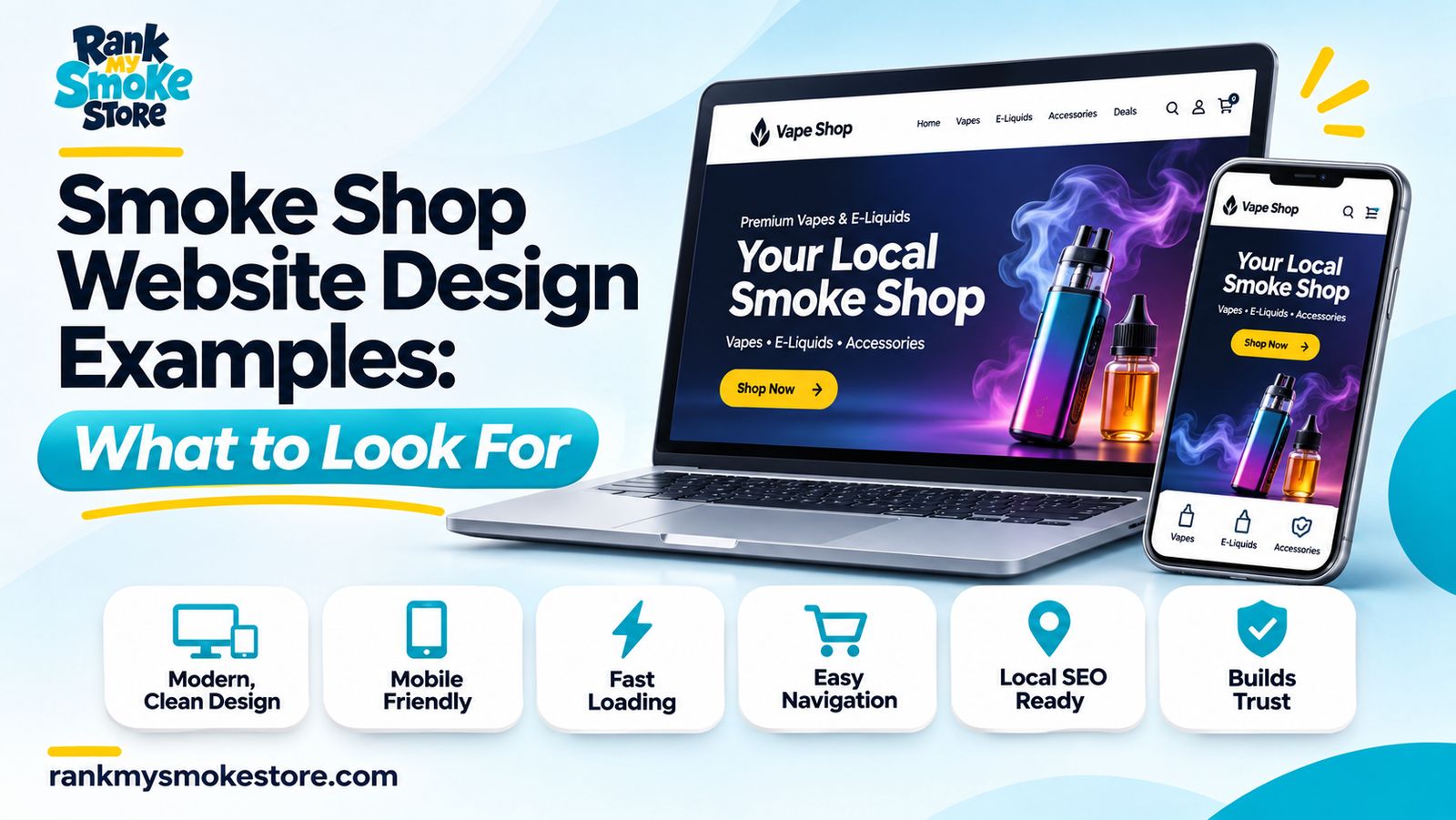
A website can look impressive and still make basic tasks frustrating.
If visitors cannot find the nearest location, read the opening hours or contact the store, visual design alone is not doing its job. Smoke shop website design should begin with what customers need to accomplish.
Before choosing colors or animations, decide which actions the website should support.
Define the Website’s Main Job
A local information website and an ecommerce website need different functionality.
A store-focused website may prioritize directions, calls and location information. An ecommerce project introduces additional requirements such as catalog management, checkout, fulfillment and platform suitability.
Write a short project statement before requesting a design:
“The website should help visitors identify the correct store, understand what we offer and contact us without unnecessary steps.”
If online transactions are part of the project, define those requirements separately rather than assuming they are included in a standard website package.
Design the First Screen Around Clarity
The opening section should communicate the business name, what the store is and where it operates.
Use a clear primary action, such as “Find Our Store” or “View Locations,” based on the website’s purpose. Secondary actions should support different needs without competing for attention.
An opening screen does not need to contain every product category, promotion and social link. It needs to help the visitor choose the next useful step.
Make Location Information Complete
For each store, include an address, opening hours, telephone number and directions.
Add practical details where they help: parking, the correct entrance, nearby landmarks or accessibility information that has been verified.
Use real photographs so customers can recognize the storefront. If you operate multiple branches, build the structure described in our smoke shop location-page guide.
Test the Website on a Real Phone
Desktop previews can hide mobile problems.
Ask someone unfamiliar with the design to complete a few tasks:
Find the opening hours.
Call the correct location.
Open directions.
Submit an inquiry.
Return to the previous page.
Watch where they hesitate. A button that looks attractive but is hard to tap needs attention.
Keep Forms Short
Collect only information needed for the inquiry. Explain what happens after submission and provide a visible success or error message.
Test the full process, including whether the message reaches the correct recipient.
Use Images Responsibly
Use images sized for their display area, and avoid uploading large originals when smaller versions will do.
Alt text should describe meaningful images in context. Google’s SEO Starter Guide recommends descriptive alt text rather than treating image attributes as a place to repeat keywords. developers.google.com
Define Ownership and Maintenance Before Launch
Confirm who controls the domain, hosting, website files and administrator access.
Also clarify who handles updates, backups, broken forms and future changes. These responsibilities should appear in the scope of work.
If you already have a website, first review whether your smoke shop needs a redesign or SEO improvements.
Build Around Real Customer Tasks
The strongest design decisions make useful actions easier. Start with clear information and dependable functionality, then use branding to create a recognizable experience.
Discuss your website’s requirements with Rank My Smoke Store before deciding which features belong in the project.