Is Your Smoke Shop Website Calling the Wrong Number
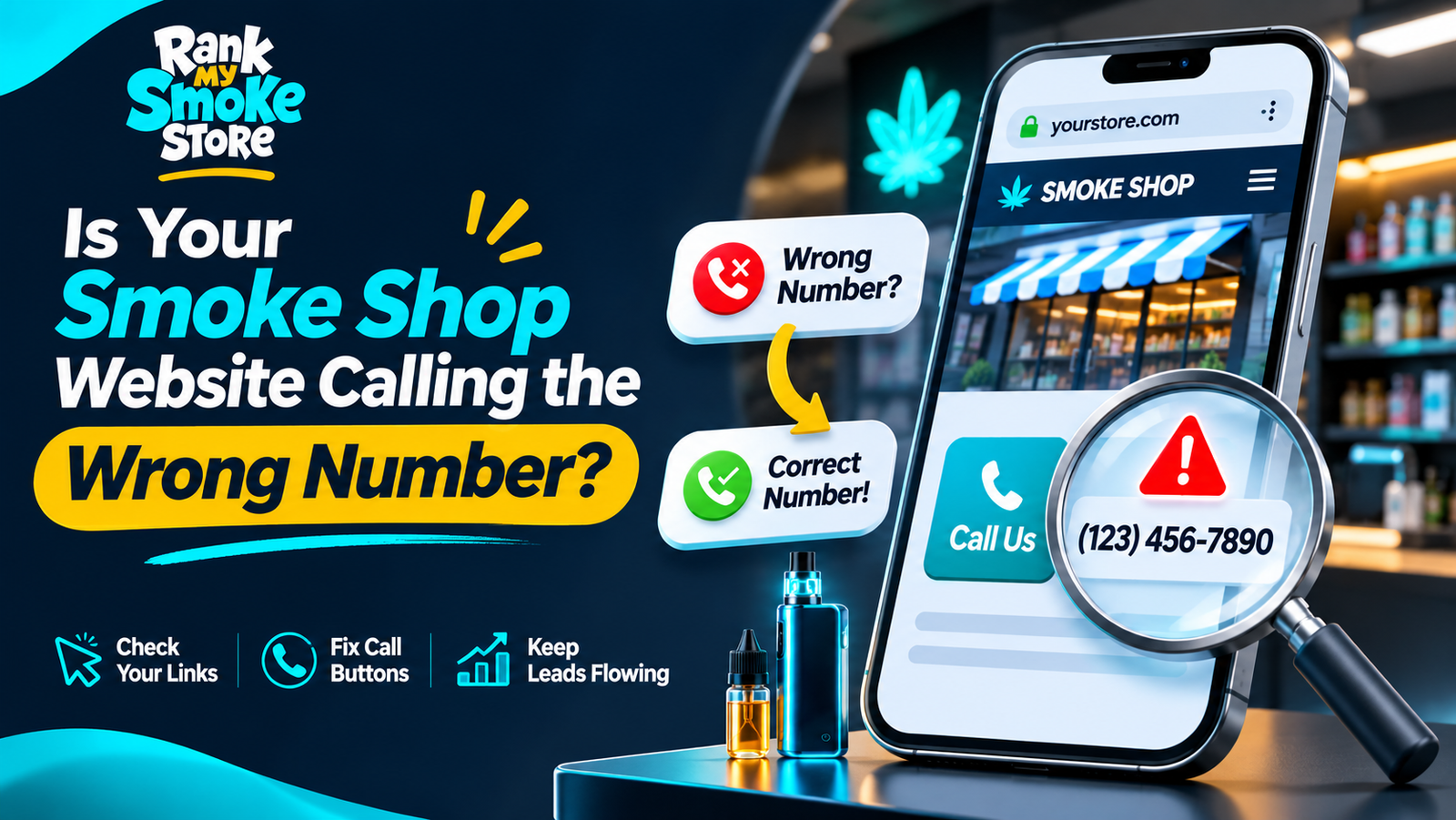
A call button can look correct while dialing an old number. This is an easy problem to miss during a redesign or a change of telephone provider.
Test your smoke shop website from a real phone before assuming every inquiry reaches the store.
Check the Displayed Number and the Link
Read the visible number, then tap the button. Compare the number shown by the dialer with the current business number. On a website, the displayed text and the telephone link can contain different values.
Repeat the check in the header, footer, contact page and individual location pages. Confirm that each branch connects to the intended team.
Check Other Customer Destinations
Compare the website with Google Business Profile and important business listings. Google's business representation guidelines explain how contact information should represent the business.
If calls route through a menu or answering service, test that journey too. A working link is only the first part of a successful connection.
Record the Fix
Give the developer the affected page, incorrect number and approved replacement. Retest after the change and remove outdated contact information from reusable templates.
Our website mistakes checklist covers other overlooked problems. For help reviewing the full inquiry journey, contact Rank My Smoke Store.